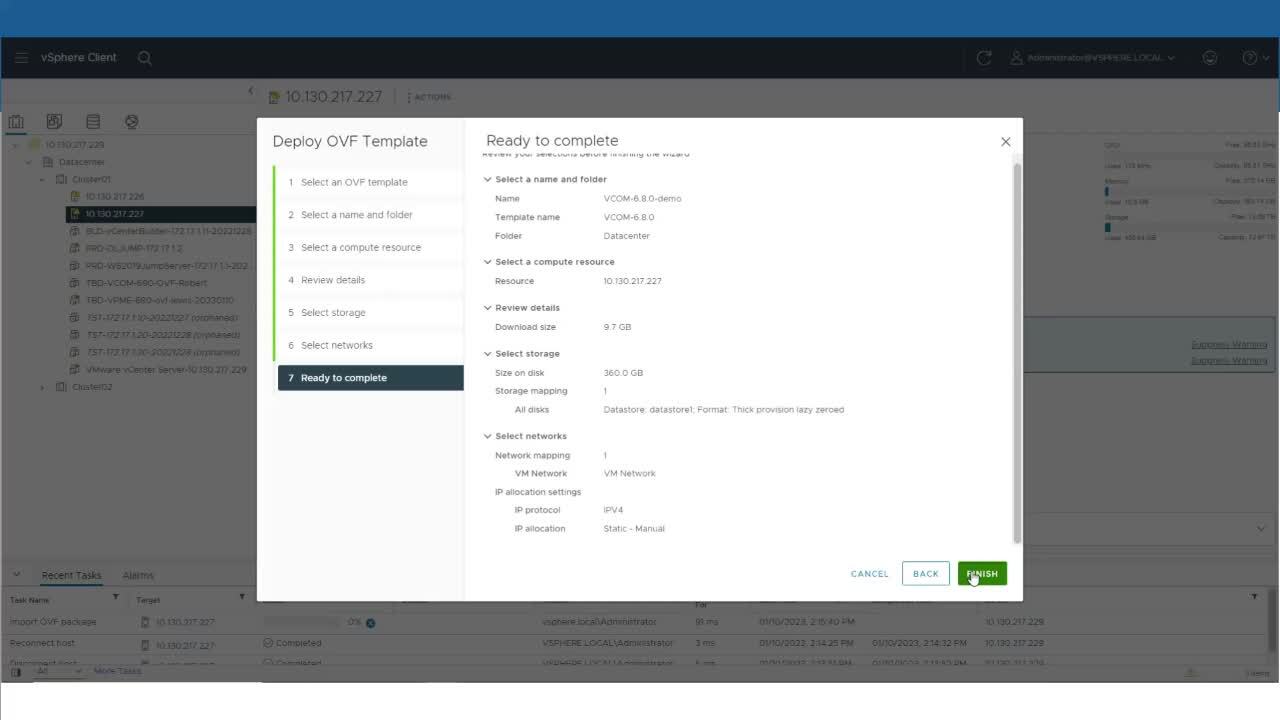
010: How to Upload Firmware for Eaton (and now Tripp Lite) Devices Using VPM and VCOM
3:38
Provides a step-by-step instructions on how to add a firmware file for the network card to the software and how to push that firmware to the selected device. You'll learn how to send firmware updates to one or multiple devices at one time and how to view the status of the firmware update.
Provides a step-by-step instructions on how to add a firmware file for the network card to the software and how to push that firmware to the selected device. You'll learn how to send firmware updates to one or multiple devices at one time and how to view the status of the firmware update.
Brightlayer - Data Centers Similar Videos
-
How to sign in and download files from Eaton's Brightlayer Experience Hub
2:09
This 2-minute video explains how to sign in or create a new user account for Eaton.com, and download software files.
-
How to Deploy the OVF for Data Center Performance Management, Distributed IT Performance Management and Electrical Power Monitoring System software
5:49
Step-by-step instructions on how to deploy the OVF for Data Center Performance Management (DCPM), Distributed IT Performance Management (DITPM) and Electrical Power Monitoring System (EPMS) software, which are part of the Brightlayer software suites.
-
What is Brightlayer EPMS software?
1:48
Discover how Brightlayer EPMS software helps facility managers maximize uptime, resolve and identify the root-cause of issues, and understand the facility’s use of water, air, gas, electricity and steam (WAGES) to reduce consumption.